Is this YouTube sponsorship offer real? How to check
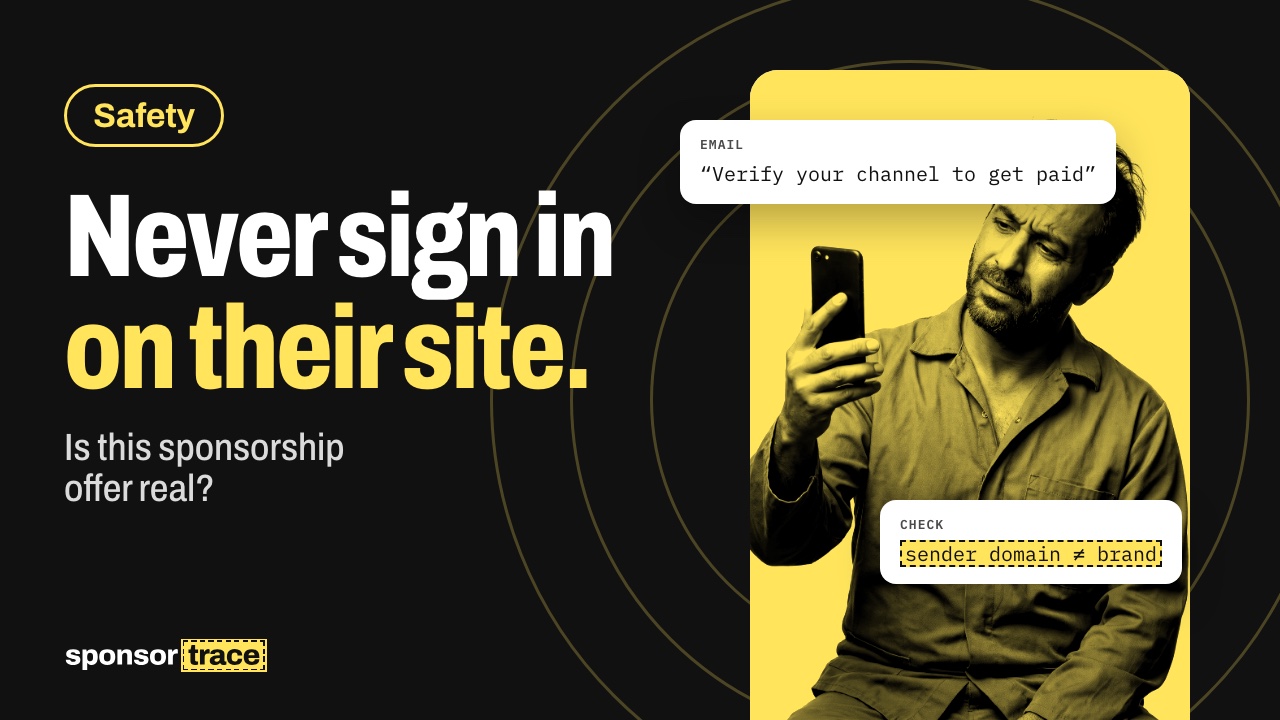
Check the sender's email domain against the brand's real website, then confirm the offer through a contact you found yourself on that website. A real sponsor never needs you to sign in to Google on its site, pay a fee, install software or open a password-protected file. If an offer asks for any of those, treat it as a scam.
Fake sponsorship offers are now one of the most common ways YouTube channels are stolen. They work because they look exactly like the real thing: a personal email, a known brand, a plausible fee. This guide covers the main types, the checks that catch all of them, and what to do if you have already clicked.
How do you check if a sponsorship offer is real?
- Read the sender's domain. Real brand staff email from the brand's domain. A Gmail address, or a lookalike such as "brand-partners.co" or "brandcollab.net", is a warning.
- Go to the brand's website yourself. Type the address, do not use links in the email. Find a press, partnerships or creator contact and ask whether the offer is real.
- Look the sender up. Search LinkedIn for their name and the brand. Check that the role exists and the profile is more than a few weeks old.
- Check the brand's sponsorship trail. Brands with real creator programmes leave public sponsor lines in other creators' video descriptions. Our Beauty & Fashion data is one place to look. A big offer from a brand that has never sponsored anyone is unusual.
- Reply from your own inbox and ask for the brief, budget and usage terms in the email itself.
A real sponsor never needs your Google sign-in, a fee, a software install, or for you to open a password-protected file. Stats can be shared as screenshots or a PDF.
Scam 1: the fake collaboration platform
Security firm ESET described this campaign on 7 October 2026. It impersonated the audio gear brand Hollyland, with near-identical versions using Nike and Spotify. Each step looks normal:
- A personal email mentions your actual videos and offers a free device plus a long-term collaboration.
- You reply with your rates. You are sent to a "collaboration platform" to verify your stats and sign the agreement.
- The site looks like a real creator tool, with campaign figures, brand logos, an income calculator and contract tools. It pulls in your public stats.
- At the end, it asks you to sign in with Google to prove you own the channel.
- The sign-in page is fake. It captures your password and the one-time code, and the attackers take over the account.
One victim told ESET the attackers replaced her phone number and recovery email and added their own backup codes. The domains and fake names changed repeatedly, so a blocklist will not protect you. Watch for the method, not the brand name.
Scam 2: the infected brief
An offer arrives with a "contract", "brief" or "product photos" as a compressed or password-protected file, sometimes as a download link. The file installs malware that steals browser sessions, which can let an attacker into your YouTube account without your password or two-factor code. Real brands put briefs in the email body, in a shared document, or as a plain PDF.
Scam 3: pay to get paid
The deal is real enough to be tempting, but something must be paid first: a "registration" or "verification" fee, shipping or customs for the product, a starter pack. Some versions send an overpayment and ask you to refund the difference before the original payment bounces. Sponsors pay you. Any money flowing the other way before work starts is the scam.
Scam 4: the fake agency or manager
Someone claims to represent several brands and offers you a roster of deals in exchange for an upfront fee, your channel login, or a long exclusive contract. Real agencies take a commission from deals they close, and they never need your password. Give editors and managers access through YouTube Studio permissions, which can be removed at any time.
Why careful creators fall for it
Older scams were easy to spot: a poor email and a strange attachment. These do their research, and the dangerous request comes last, after you have spent time on the deal and started to believe it. They also copy normal steps, because real brands do ask for stats and verification. That is why the five-minute check focuses on things a scammer cannot easily fake: the domain, a contact you found yourself, and a public sponsorship trail.
Protect your channel now
- Use a strong, unique password and two-factor authentication. Passkeys resist fake sign-in pages better than codes do.
- Run Google's Security Checkup and remove apps and devices you do not recognize.
- Give editors and managers their own access through YouTube Studio permissions, so nobody shares your password.
- Keep a separate, clean browser profile for the account that owns your channel, and do not open offer attachments in it.
If you already clicked
- Close the suspicious site and do not enter anything again.
- Change your Google password from a device you trust, and sign out of all other sessions.
- Run Google's Security Checkup. Remove unknown devices, apps, recovery emails, phone numbers and backup codes.
- If you opened a downloaded file, scan the computer and change passwords for other important accounts too.
- If you are locked out, use Google's official account recovery page.
Once the channel is safe, a real offer is worth the same care in a different way. Read what to check in a sponsorship contract before you sign one.
Common questions
How do I know if a YouTube sponsorship email is real?
Check the sender domain, then confirm the offer through a contact you found yourself on the brand's official website. Treat any request to sign in on a third-party site, pay a fee or open a protected file as a scam.
Is it normal for a brand to ask me to sign in with Google?
No. Some legitimate analytics tools use Google sign-in, but only use one you chose yourself, never through a link in an unsolicited offer.
Can a scammer take my channel with only my password?
Two-factor authentication helps, but fake pages can capture one-time codes as you enter them, and malware can steal signed-in sessions. Passkeys and not opening offer attachments close most of that gap.
Do real brands contact creators from Gmail?
Some small brands and freelancers do. That alone is not proof of a scam, but it is a reason to confirm the offer through the brand's own website before you reply with anything.
Sources
Read next
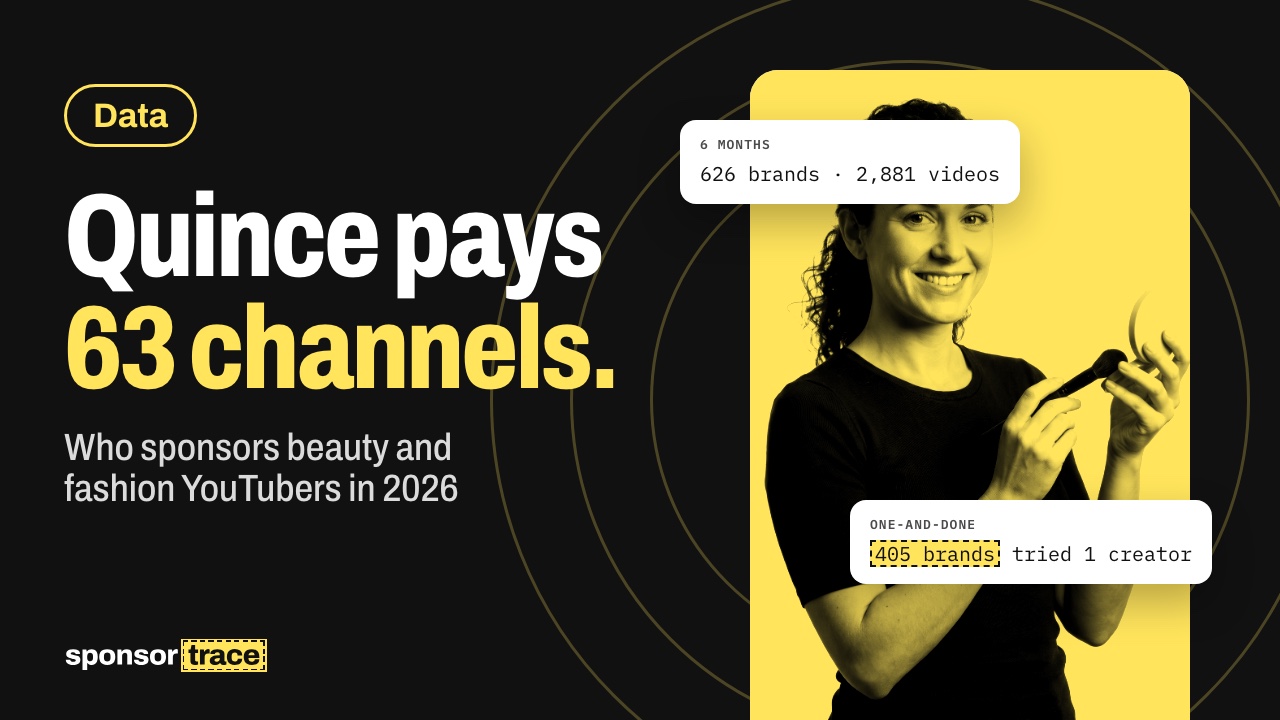 Who sponsors beauty and fashion YouTubers in 2026The brands paying US beauty and fashion YouTubers, from 2,881 sponsored videos, Apr–Oct 2026. Quince leads, and most brands try just one creator.
 How to find YouTubers to sponsor: a guide for brandsFor brands and agencies: find creators your category already pays, vet them on views, audience and sponsor history, and price and test the first deal.
 How to find sponsors for your YouTube channelFour ways to find brands that already pay creators like you, how to tell a paid sponsor from an affiliate link, and how to rank the list you end up with.