How to disclose a YouTube sponsorship the right way
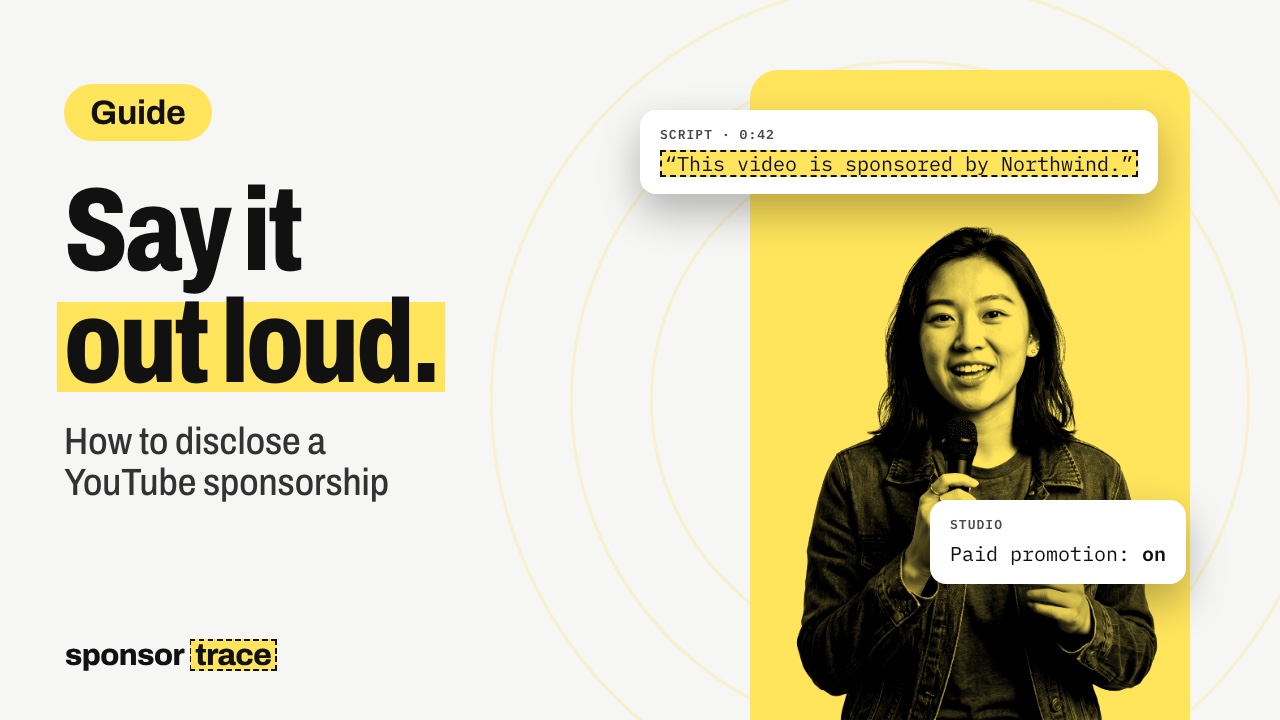
Say it in the video itself, clearly and near the start of the sponsored part, and turn on YouTube's paid promotion setting too. A line in the description alone is not enough, and neither is YouTube's label alone. This applies to free products as well as cash.
When do you have to disclose a sponsorship?
Disclose whenever a brand gave you something that viewers would not assume and that could affect how they weigh your opinion. That includes:
- Cash payment or a sponsored integration.
- Free products or trips given with the expectation that you will discuss them.
- Affiliate links and commission codes.
- An ongoing relationship such as being an ambassador, repeated in each video, because viewers may not have seen earlier ones.
An honest review does not change this. As the FTC puts it, "Even if your review mentions one or more negative points, it's still an endorsement."
Where should the disclosure go?
- In the video. The FTC warns that viewers can easily miss a disclosure in the description, so do not rely on that.
- Early. Put it at or right before the endorsement. Viewers are more likely to miss one at the end.
- Spoken and on screen. Doing both is the strongest option, since some people watch without sound and others only listen.
- Clear of ads. A disclosure hidden behind an ad overlay does not count.
What should you say?
There is no required wording. Use plain words a viewer would understand right away.
| Situation | Clear wording |
|---|---|
| Paid sponsor | "This video is sponsored by [Brand]." |
| Free product | "[Brand] sent me this for free." |
| Paid and free | "[Brand] paid me to make this video and sent the product." |
| Affiliate link | "If you buy through my link, I earn a commission." |
Avoid vague phrases like "thanks to [Brand]" or "collab". They do not tell a viewer that money or goods changed hands.
Turn on YouTube's paid promotion setting
This is a YouTube rule on top of the FTC guidance. YouTube requires you to declare sponsorships and endorsements, and it adds a disclosure label at the start of your video.
- New upload: select Show more in the upload details, go to Paid Promotion, and select Yes, my video includes branded content.
- Existing video: in YouTube Studio open Content, select the video, tick the branded content box, then save.
YouTube's branded content policy also says that if its systems detect branded content you have not declared, it may apply the label itself and notify you. Declaring it yourself is still the requirement.
The label does not replace your own disclosure. The FTC says a platform's tool may not be enough on its own, and that responsibility stays with the creator and the brand.
Shorts
The same rules apply to a sponsored Short, with less room to get it right. Say it or show it in the first seconds, before the product appears: "Sponsored by [Brand]" spoken, plus the words on screen long enough to read. Turn on the paid promotion setting for the Short as you would for any upload. A hashtag in the Short's description alone is easy to miss.
Affiliate links
Disclose in the video and in the description, close to the links themselves. A line at the bottom of a long description, below the "show more" fold, is easy to miss. In beauty and fashion this is the most common gap, since 39% of videos in our data carry an affiliate placement.
What happens if you get it wrong?
The FTC says its enforcement usually focuses on advertisers and their agencies, but that action against an individual can be appropriate, for example after warnings are ignored. The Guides themselves do not have the force of law, though they explain how the FTC reads the law, and following them does not guarantee you are safe. The more immediate cost is trust, plus a breach of YouTube's policy and, often, your contract.
If a brand asks you to hide a sponsorship, refuse. The contract guide explains what else to check before you sign.
Common questions
Is putting #ad in the description enough?
No. The FTC warns that people can easily miss disclosures in descriptions. Say it in the video too.
Do I have to disclose free products?
Yes, if you received them with the expectation that you would promote or discuss them, even if your review is negative.
Do I have to use YouTube's paid promotion checkbox?
Yes. YouTube requires it for branded content and sponsorships. It adds a label to your video, but you should still disclose in your own words.
Sources
This guide is general information for US creators, not legal advice. Check the FTC's own guidance, and local rules if you work with brands elsewhere.
- FTC: Endorsement Guides, what people are asking
- YouTube Help: Branded content restrictions and disclosure labels
- YouTube Help: Branded content policies
- FTC: Disclosures 101 for social media influencers
- Kelley Drye: FTC updates FAQs for Endorsement Guides
- Tubefilter: FTC says "ad" in your video description is not enough
Read next
 How to find YouTubers to sponsor: a guide for brandsFor brands and agencies: find creators your category already pays, vet them on views, audience and sponsor history, and price and test the first deal.
 How to find sponsors for your YouTube channelFour ways to find brands that already pay creators like you, how to tell a paid sponsor from an affiliate link, and how to rank the list you end up with.
 How to negotiate a YouTube sponsorshipGet the brand to name its budget, quote from your views, and when it pushes back, cut what it gets rather than what you charge. With email templates.